
ctrl+
ctrl+. A clipboard manager that keeps what you copy close, and easy to find again.
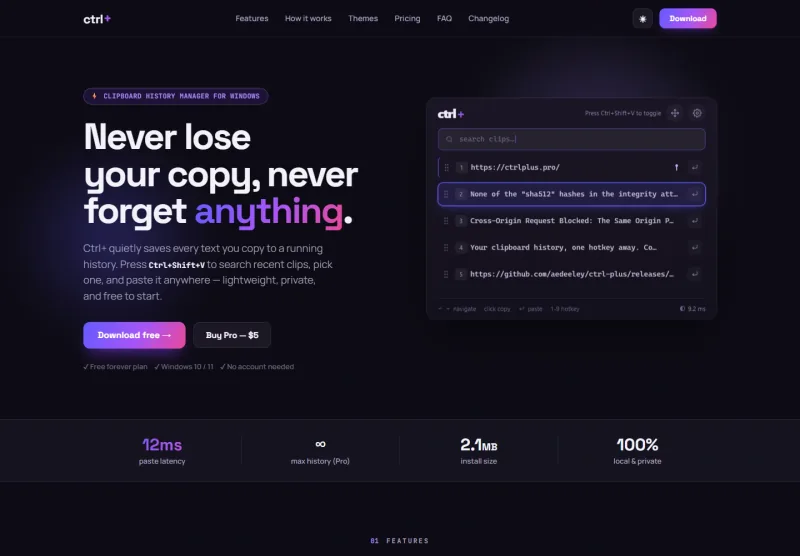
Ctrl+Shift+VYour clipboard, close at hand.
ctrl+,
in context.
Copying something should not mean losing what came before it. ctrl+ gives clipboard history a lightweight home and a quick way back to the right clip.
The challenge.
The utility should feel close at hand without getting in the way. Its website needs to show that everyday interaction plainly: open history, find a clip, and use it again.
The approach.
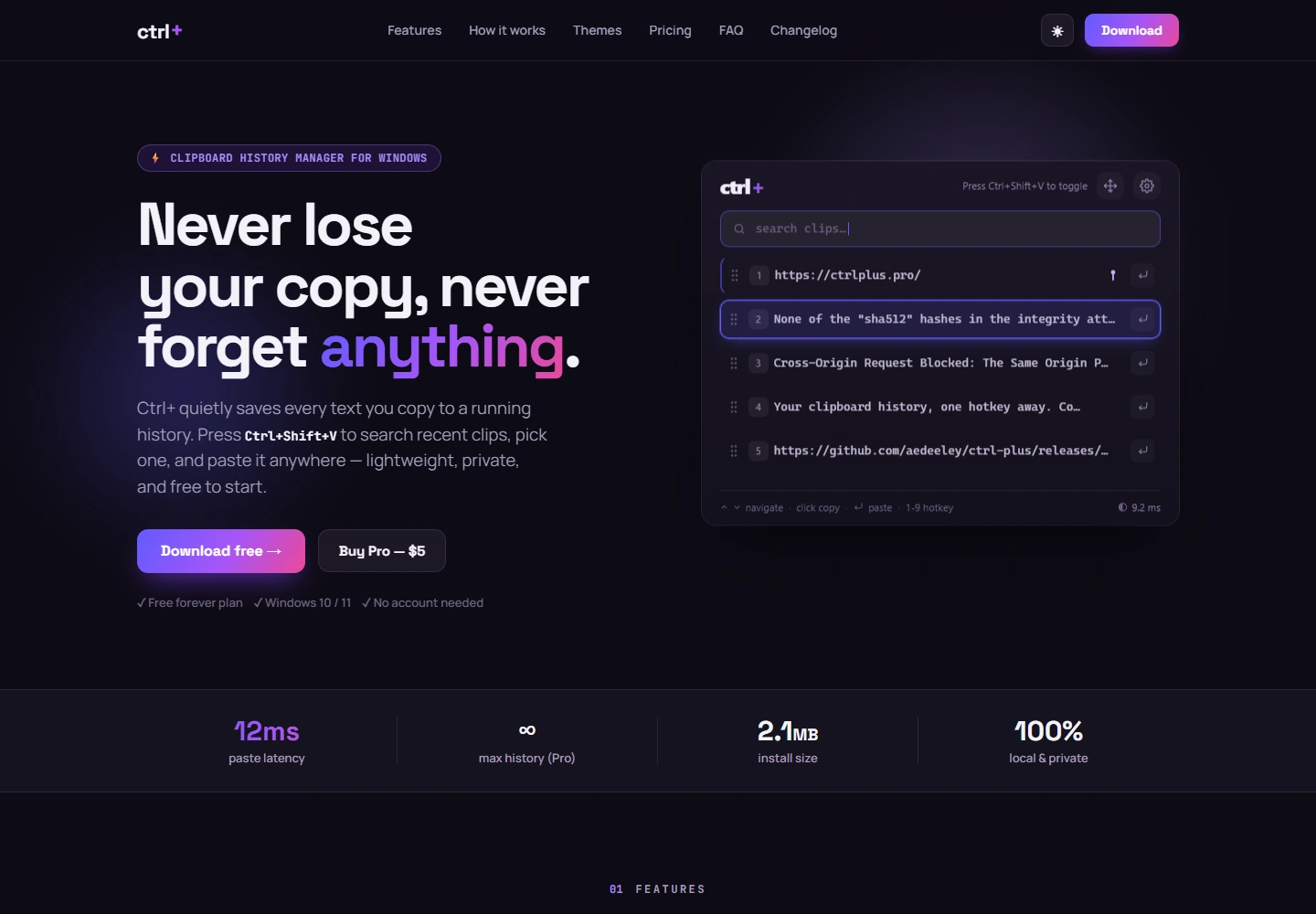
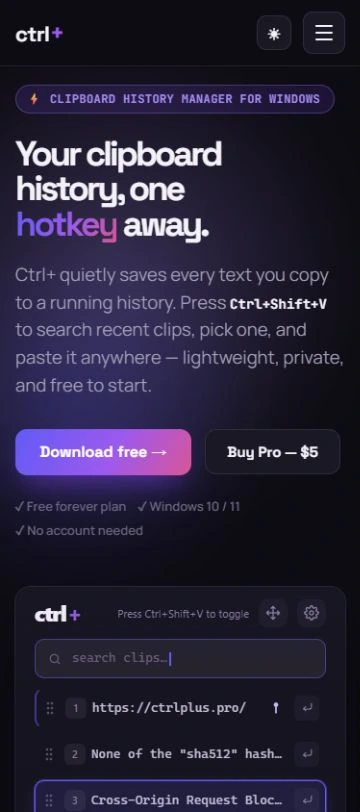
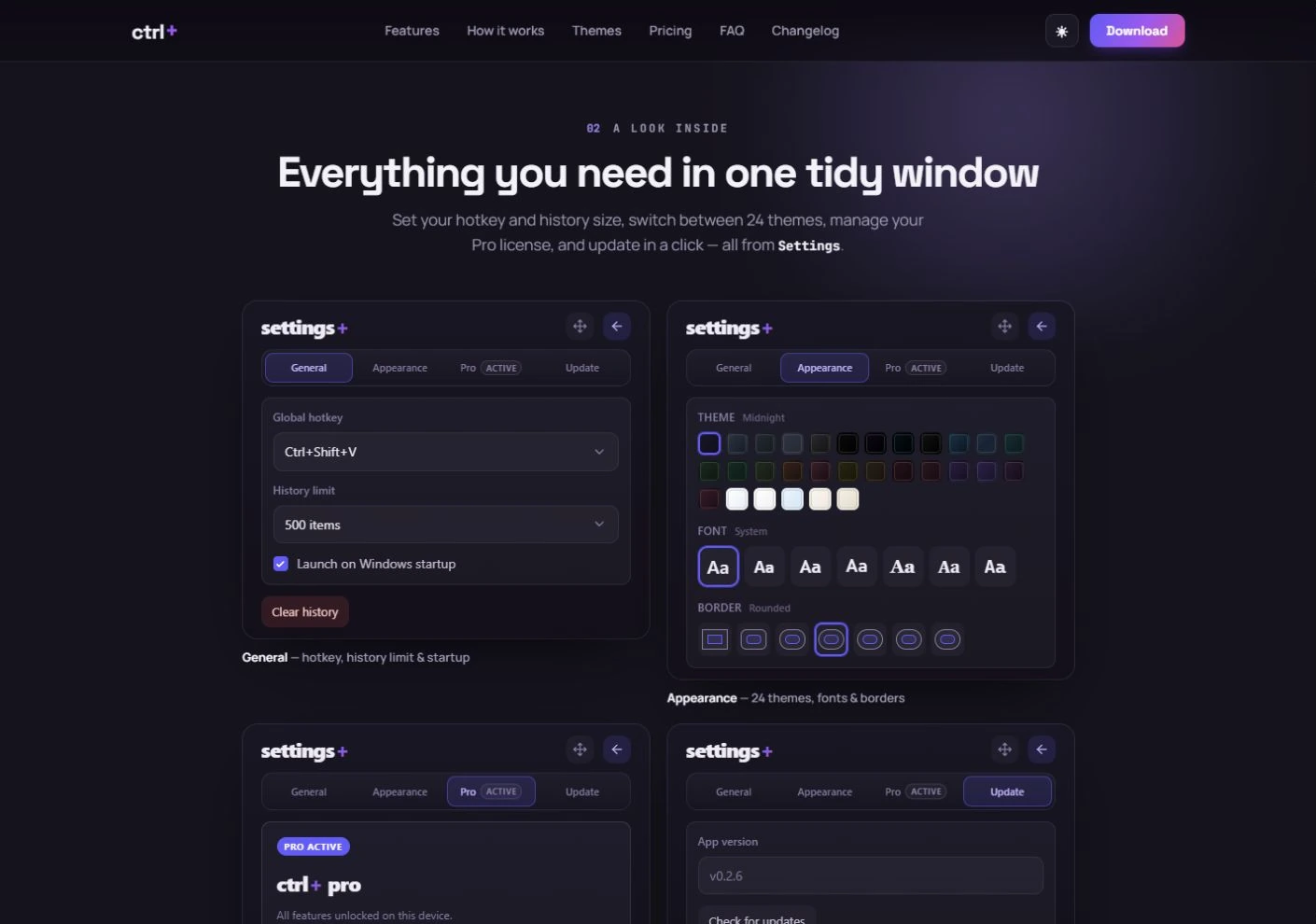
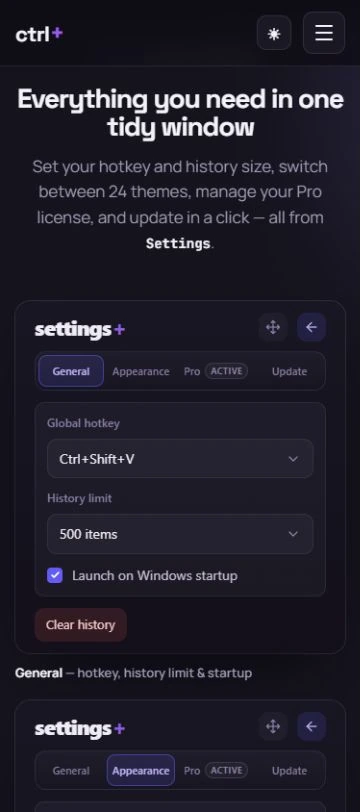
A compact product showcase makes the clipboard interaction tangible. Clear feature explanations and appearance previews connect the practical utility with the ways people can make it their own.
See the work.
Take a closer look. Open any image for the full view.
Loading view…
The product.
A focused desktop utility supported by a website that explains the interaction through real public product previews.
Results, in numbers.
A mobile performance snapshot of ctrl+.
How the public site performs today.
Mobile test · Oct 8, 2026
- Mobile performance
- 84/100
- Lighthouse performance score
- Largest contentful paint
- 3.2s
- Time until the largest visible content paints
- Layout shift
- 0.000
- Cumulative layout shift score
- Total blocking time
- 0ms
- Time the main thread is blocked during loading
Source: Lighthouse 13.5.0. One simulated mobile visit with a throttled connection and CPU. These are lab measurements of the current public website; they do not establish a speed increase or reflect every visitor’s experience.
View measurement record (opens in a new tab)Tested website: ctrlplus.pro (opens in a new tab)